


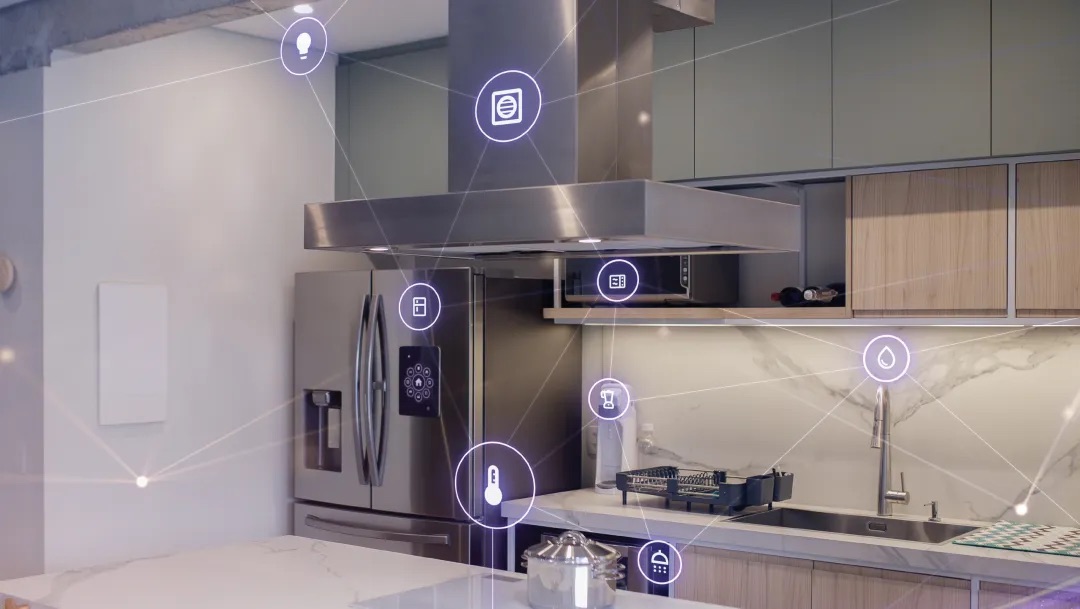
The future of home appliances will no longer rely on buttons and dials but will move towards more intuitive and interactive designs. Driven by consumer expectations, advanced user interfaces (UI) are striving to deliver the simplicity and ease of use found in smartphones and home assistants.
Innovative user experiences are gradually becoming the standard in the home appliance sector. Just as consumers are accustomed to managing daily communications with simple finger swipes, they also expect similar experiences with appliances like stoves, dishwashers, and dryers. While smartphones need to be durable for everyday use, many home appliances must withstand more extreme conditions, such as high temperatures and constant vibrations. These demands are driving the development of advanced user interfaces (UI), emphasizing convenience, efficiency, and safety.
As design engineers translate increasing consumer demands into practical products, how can advanced UI technologies continue to evolve and even exceed expectations without compromising performance and reliability?
Haptic Design Options for Advanced UIs
To achieve these goals, designers must consider various haptic UI options. Advanced UIs in home appliances are no longer a luxury but a common expectation. The following haptic UI mechanisms are widely used in common appliances, from microwave ovens to washing machines, dryers, and refrigerators with touchscreens. The choice of a specific haptic option primarily depends on the design requirements of the appliance, user experience, and the cost of implementing the related functionality.
Capacitive Touch
Capacitive touch technology uses capacitive sensing. When a user touches the screen, their finger acts as the dielectric in the capacitor, and the underlying sensors recognize it as a touch event. Designers need to address several challenges, such as requiring dedicated controllers to interpret touch position and pressure, as well as sensitivity to electromagnetic interference (EMI).
Haptic Feedback
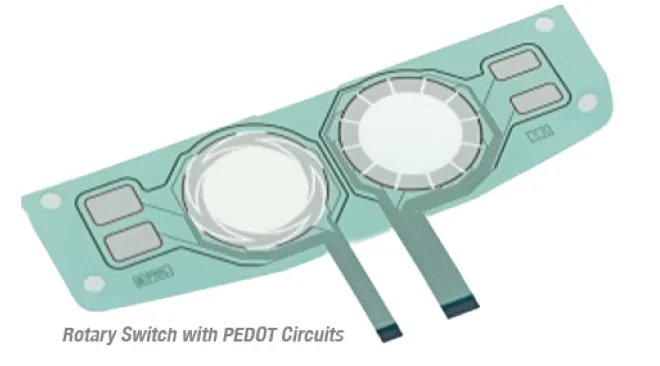
To enhance user experience, haptic feedback provides non-visual feedback, such as vibrations, through actuators. Haptic feedback confirms user inputs, provides error alerts, and updates progress through different vibration patterns, improving the user experience. While haptic feedback offers an immersive experience, designers must carefully select actuators and place them near interaction points.
Beyond Physical User Interfaces
Advanced home appliance UIs are not limited to haptic options. Hands-free controls and communication features are increasingly being integrated into appliances, enhancing usability, convenience, and intuitive experiences, laying the foundation for the next generation of devices.
Voice Control
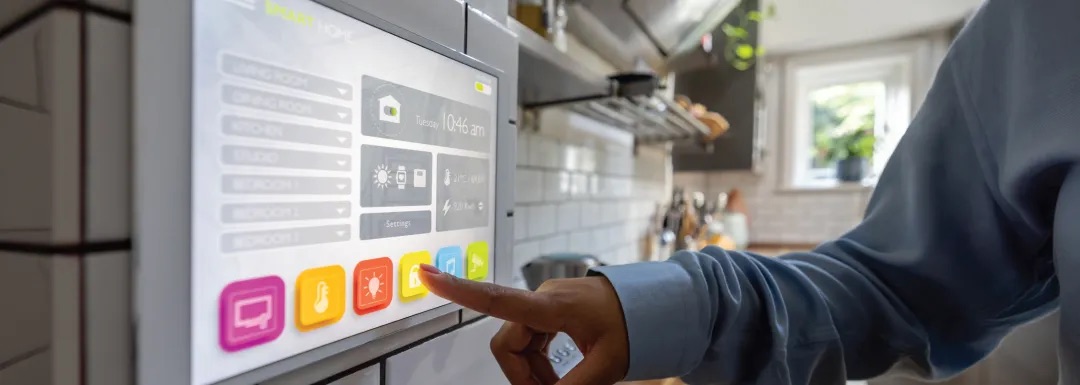
Voice control allows users to interact with appliances through natural language commands, such as preheating an oven to a specific temperature. To ensure a seamless experience, designers must carefully consider multiple factors, including microphone placement and noise cancellation technologies to improve processing accuracy. Designers should also employ robust natural language processing (NLP) capabilities to interpret user commands and respond accordingly.
Gesture Control
Gesture control uses body movements to issue commands, allowing users to operate appliances hands-free. While gesture control is still in its early stages in home appliances, it has the potential to enhance user experience, particularly for multitasking and reducing the spread of germs.
Effective gesture control requires clear design intent during the development phase. The choice of sensors (e.g., infrared, radar) is critical for range, accuracy, and interference levels. Accurate sensor placement also impacts recognition accuracy. Addressing these factors effectively can make gesture control a simple and intuitive way to interact with appliances.
Auditory Cues
Sensors and processing units in appliances use sound to provide information to users, whether it’s an error notification from a dishwasher or a progress update from an oven. Designers need to consider volume, timing, and clarity to avoid unnecessary noise interference.
While advanced UIs open up new ways of interacting with appliances, their design and implementation go beyond functionality. In addition to offering innovative features, these interfaces must be safe, user-friendly, and reliable in real-world applications.
Connector Design and Ergonomics
Connector design not only ensures safety but also plays a crucial role in appliance assembly. If design engineers prioritize ergonomic features, such as reducing insertion force, improving housing design, and clear push points, manufacturers can enhance worker efficiency and reduce physical fatigue.
Focusing on ergonomic connector design creates a win-win-win scenario: reducing production costs for manufacturers, creating a safer work environment for employees, and improving reliability for consumers. Securely mated connectors are more resistant to vibration and intrusion, helping to prevent equipment failures, repairs, and warranty claims.
Durable Miniaturization
Installing more electronic components in appliances requires the use of miniature components that must be as durable as their larger counterparts. Connectors are a prime example, needing durability to withstand harsh conditions inside appliances. This includes exposure to liquids, extreme temperatures (both hot and cold), and vibrations. Carefully selected connector materials and designs will ensure these components remain reliable throughout the appliance's lifespan.
For industries with high-demand applications in harsh environments, we have extensive experience driving the development of innovative connector solutions that meet and exceed the miniaturization and durability requirements of home appliances.
Driving User Experience
with Advanced UI Solutions